Classic Twist Dance Pose with Phone-Snapshot Motion Blur — AI Image Prompt Guide
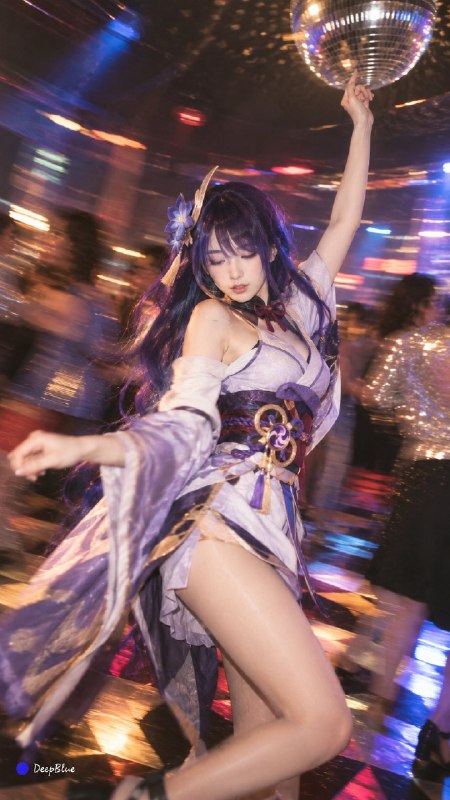
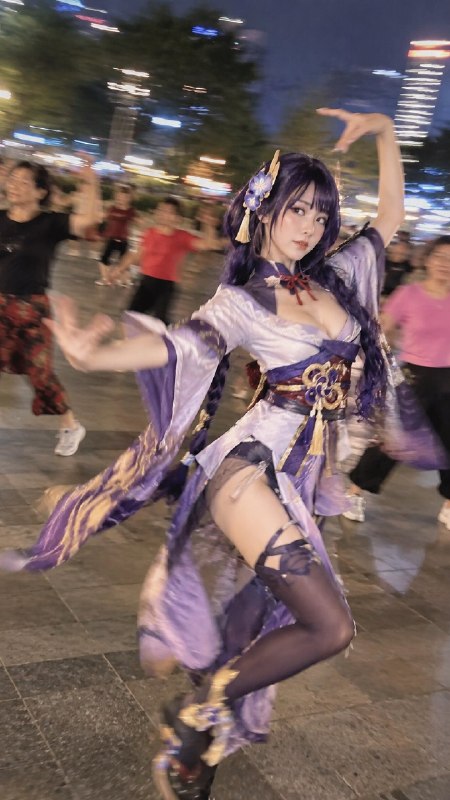
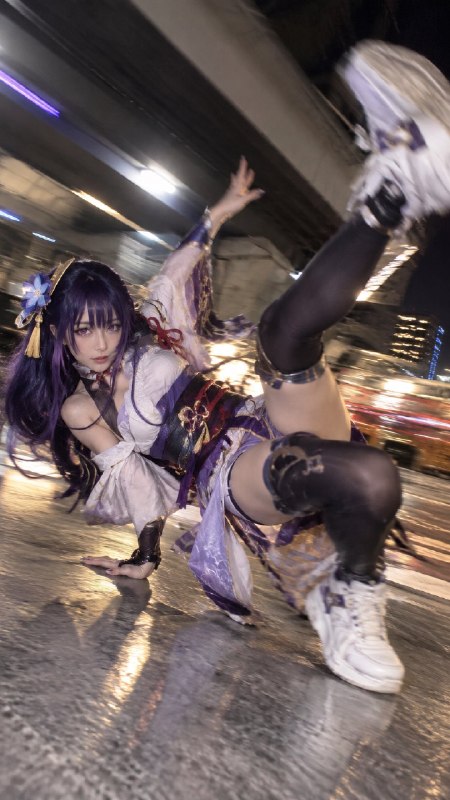
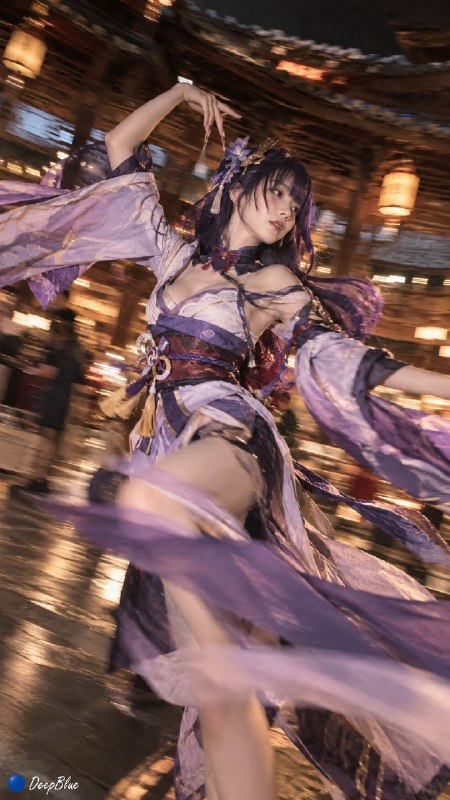
Define the character and classic Twist pose before adding phone-camera texture and background motion blur.
English translation of the public case notes.
Create an iPhone-style candid dance image featuring a specified person, cosplayer or fictional character performing the classic Twist associated with Jack Rabbit Slim's in Pulp Fiction. The template combines a recognisable pose, phone-camera texture and motion trails in the background. Name the subject first, including identity or role and distinctive clothing. Place the specific dance reference immediately after the subject rather than using only a generic instruction to dance. Add the shooting medium and movement effects after the pose. The source proposes this structure for character styling, cosplay dance images, social posters and humorous scenes. Keep background trails from obscuring the main figure. Some constraints concerning identity, costume and action, and a later tip about the dance reference, are cut off in the supplied notes. [Source text is truncated.]
Original case notes (Chinese)
📌 可直接套用|把任何角色扔进舞池 创作路径:文生图 / 图像编辑。 从效果到交付,它解决了:这个案例的学习点在于:用“经典舞姿 + 手机抓拍 + 背景运动拖影”锁定姿态、质感和动感。适合做角色换装、coser 舞蹈图、社媒感海报和表情包式场景。 实战结构: 类型:文生图 输入:一个明确的主体或角色名称,可替换为 coser、虚构角色或具体人物设定 目标:生成主体模仿《低俗小说》Jack Rabbit Slim’s 经典 Twist 舞姿的 iPhone 抓拍感画面,并带有背景运动拖影 关键词:主体替换 / 经典 Twist 舞姿 / iPhone 抓拍 / 背景运动拖影 / 舞池氛围 / 动态姿态 重点:先写主体,再写明确舞姿来源,最后补充拍摄媒介与运动效果;这样能优先锁定人物动作,再塑造抓拍和拖影质感 约束:避免只写“跳舞”导致姿态泛化;避免背景拖影过强遮住主体;避免主体身份、服装和动作… 💡 让成品更能用的三点 • 把【主体】写具体,例如角色身份、服装特征或 coser 类型,减少模型自由发挥 • “Jack Rabbit Slim’s 经典 Twist 舞姿”应紧跟… #GPTImage2 #OpenAI #AI绘画 #经典舞姿 #手机抓拍感 #运动拖影